




.png)

.png)




1. Flexwhere
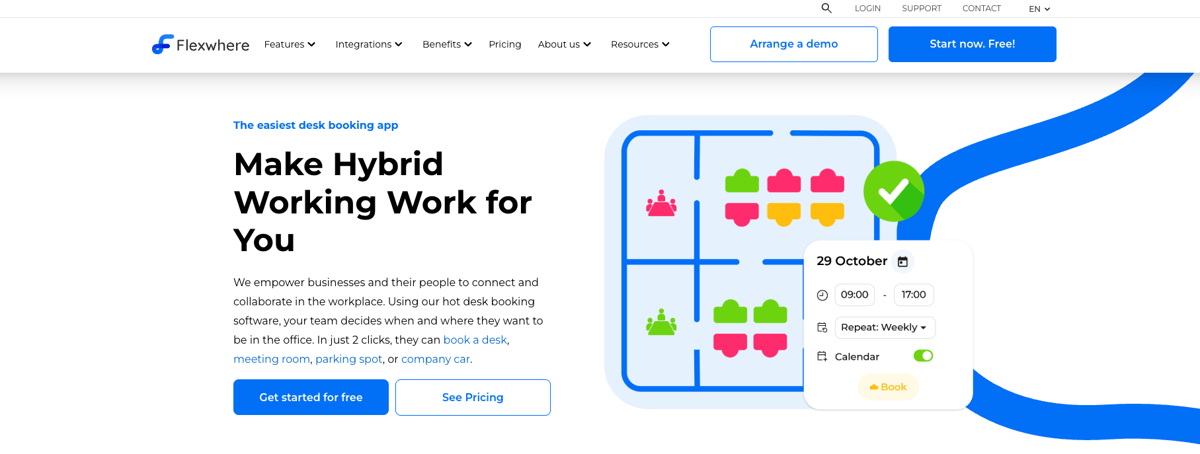
Flexwhere is a cloud-based desk booking and hybrid workplace platform designed to help organisations manage flexible seating, meeting rooms and shared resources. It focuses strongly on usability and visual clarity, allowing employees to see availability and colleague presence through interactive floor plans.
Data security and hosting
Flexwhere is developed by Dutchview Information Technology BV, a company based in the Netherlands, and is offered as a secure cloud-based solution. Flexwhere now runs entirely on European-owned infrastructure, with data hosted and stored within the European Union and governed under EU law. This strengthens GDPR alignment, reduces reliance on non-European providers, and supports high standards for data protection and information security. Learn more here.
Features
- Desk booking – Reserve desks quickly with an interactive floorplan that shows availability and colleagues’ locations.
- Meeting room booking – Find and book meeting rooms or manage no-shows for better utilisation.
- Parking & pool car booking – Book parking spots and company vehicles (on applicable plans).
- Office analytics & occupancy insights – Heatmaps and usage reports help managers optimise space.
- Colleague finder – See who’s planning to be in the office and where they’re sitting.
- Recurring bookings – Support for repeat bookings with simple rules.
- Automatic check-in (no-hardware) – Automatically marks a desk as occupied via docking station, monitor, or office IP.
- Integrations – Works with Microsoft Teams, Outlook, Google Calendar and TOPdesk.
- Mobile & desktop support – Full access on web, iOS, Android and desktop app.
- Single Sign-On (SSO) - single-sign-on with Microsoft/Google.
Flexwhere also supports interactive floor plans, group and guest bookings, role-based access, sensors, and advanced customisation depending on plan level.
Best for
- Small to mid-sized organisations with hybrid teams
- Public sector, education, healthcare and more
- Companies that prioritise ease of use, fast adoption, and visual clarity
- Teams that want desks, meeting rooms, and parking in one simple platform
Pricing
Flexwhere offers flexible tiers and free options:
Basic plan (free with no time limit):
- Teams up to 25 users
- Interactive desk & meeting room booking
- Booking up to 1 week in advance
Standard plan: €1.99 / user/month
- Unlimited users
- Multiple locations & floors
- Auto-release of no-shows
- Analytics for the past month
Business plan: €3.68 / user/month
- Unlimited premises
- Parking & pool car booking
- API access
- advanced analytics for the past year
Meeting Rooms plan: €15 / room/month
Customer feedback (pros & cons)
Positive
Customers consistently highlight ease of use and fast adoption as key strengths, describing Flexwhere as “intuitive” and “easy to understand without training.” Users also value the visual floor plans and colleague visibility, noting that it is “very clear to see who is in the office and where they are sitting,” which supports collaboration. Reviewers value being able to book not only desks but also meeting rooms and parking in the same system, calling it “convenient to manage everything in one place.” Several reviewers add that Flexwhere helps reduce unused desks and improve space efficiency, stating that it “gives insight into occupancy and helps avoid empty workspaces.”
Negative
While overall feedback is positive, some users mention performance issues during peak usage, describing the app as “occasionally a bit slow” during peak booking times. Others note that search and filtering could be more refined and that certain actions require “a few more clicks than expected.” A small number of reviewers point out that mobile and desktop features are not always fully aligned.
|
Pros |
Cons |
|
“Intuitive” and “easy to understand without training” |
“Occasionally a bit slow” during peak booking times |
|
“Very clear to see who is in the office and where they are sitting” |
“Certain actions take a few more clicks than expected” |
|
“Convenient to manage everything in one place” (desks, meeting rooms, parking) |
Search and filtering “could be more refined” |
|
“Gives insight into occupancy and helps avoid empty workspaces” |
Mobile and desktop functionality “are not always fully aligned” |
2. Skedda
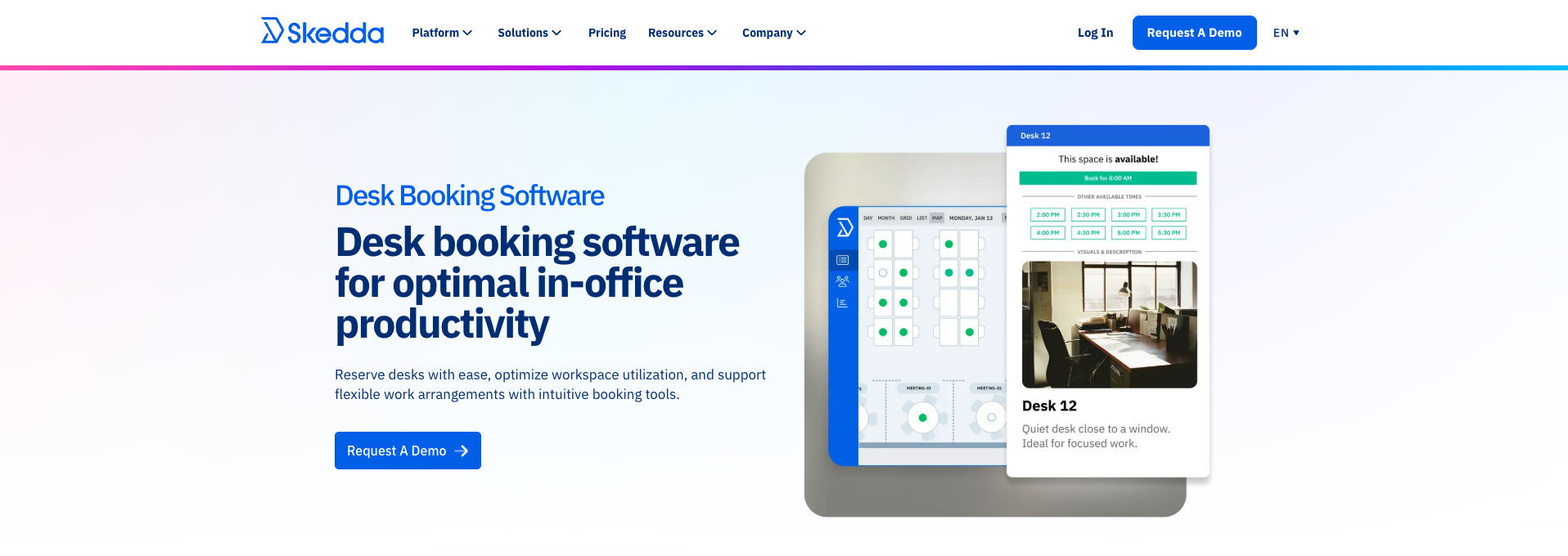
Skedda is a cloud-based workspace and space-booking platform focused on scheduling desks, meeting rooms, and other bookable spaces through interactive floor plans and custom booking rules. It’s widely used by small and mid-sized organisations, co-working spaces, educational institutions, and more for managing hybrid offices and shared facilities.
Data security and hosting
Skedda is developed by a company based in Australia and operates as a cloud solution, with customer data hosted on AWS infrastructure, primarily within data centres in the United States, while adhering to GDPR and international data protection standards.
Features
- Desk & room booking with interactive floor plans — shows real-time availability and lets users reserve spaces visually.
- Customisable rules & policies engine — define booking rules, time buffers and permissions.
- Unlimited users & self-service bookings across devices.
- Insights & usage analytics — basic dashboards for utilisation and tracking.
- Mobile accessibility — booking and management on the go.
- Visitor management (in some plans) — simple guest check-in/out workflows.
- Calendar integrations & roles/permissions — supports team coordination and admin control.
Best for
- Small to mid-sized organisations needing a reliable desk + room booking system
- Coworking spaces, universities, agencies and SMBs
- Teams that want visual floor plans and straightforward booking rules
- Offices that need rules-based scheduling and analytics at a reasonable price
Pricing
Skedda’s pricing is per space, not per user, meaning you pay based on the number of bookable resources (desks, rooms, etc.) you manage. Plans typically start around $99/month (billed annually) for up to ~15 spaces, with higher tiers offering increased capacity and advanced features such as more booking rules, deeper insights dashboards and assigned spaces. Enterprise or custom plans are also available, tailored to organisations with large or complex space management needs.
Customer feedback (pros & cons)
Positive
Users frequently highlight Skedda’s ease of use and visual floor plans, noting that it makes it easy to “book a seat and know we’ve got one when we arrive.” Reviewers also appreciate the clean interface, quick setup and straightforward desk and room booking, as well as supportive customer service and intuitive administration.
Negative
Some users mention limitations in integrations and advanced features, particularly around calendar data and automation. Others note that customisation options and analytics are relatively limited, and a few reviewers state that “integration can be difficult and the pricing is high compared to alternatives.”
|
Pros |
Cons |
|
Easy to use with visual floor plans |
Integration challenges (e.g., calendar sync formatting) |
|
Quick setup and intuitive interface |
Some advanced features (such as analytics) limited |
|
Good support and admin experience |
Pricing can rise quickly as spaces are added |
(Based on user feedback on Software Advice and G2 reviews.)
3. Desk.ly
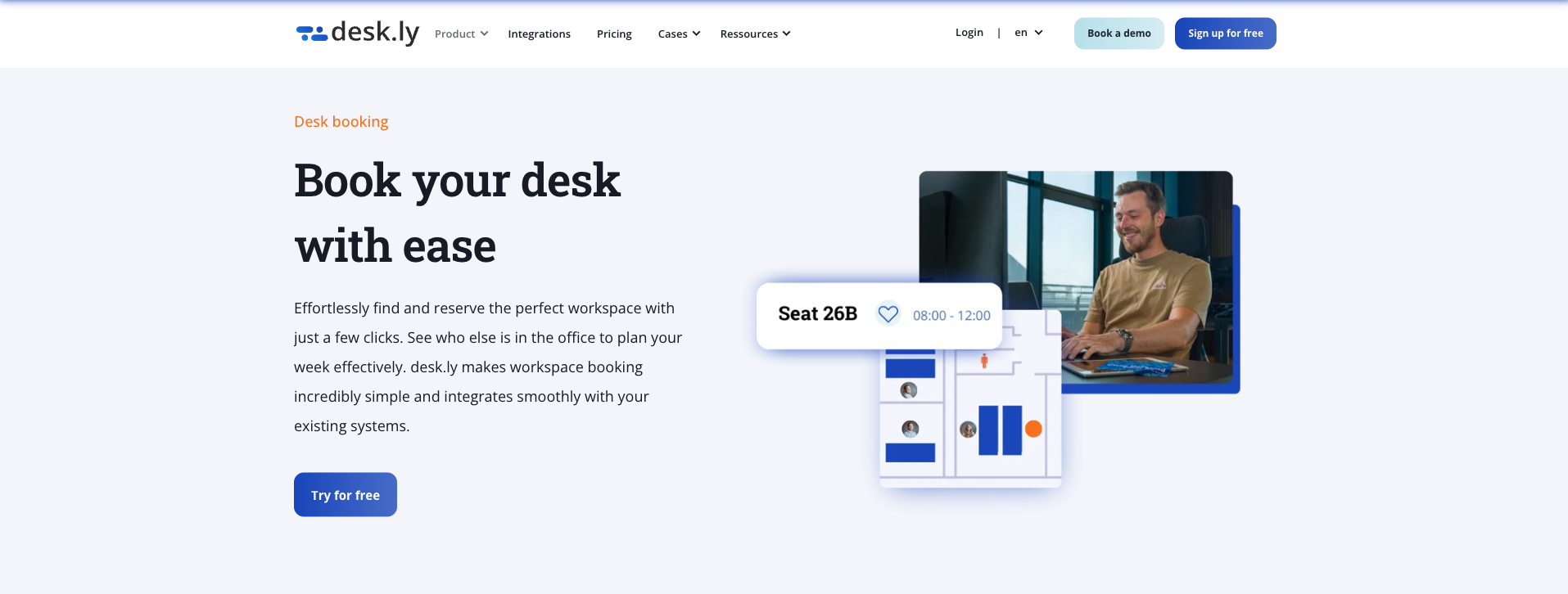
Desk.ly is a cloud-based desk booking and hybrid workspace management platform that helps organisations organise flexible workspaces, meeting rooms, and other resources in a single system. It’s designed to simplify hybrid work by giving employees a clear view of available desks and team presence while supporting administrators with flexible configuration and reporting.
Data security and hosting
Desk.ly is developed by a German-based company and operates as a cloud solution, with customer data hosted within European data centres to ensure GDPR compliance and high standards of data security.
Features
- Desk booking — Reserve desks easily from web or mobile.
- Meeting room booking — Coordinate spaces with required amenities.
- Parking and shared resource booking — Centralised booking of parking or other shared workplace assets.
- Interactive floor plans — Visual maps help users see available spaces.
- Check-in & preferred seating — Quick check-in and ability to prioritise favourite spots.
- Custom zones and booking rules — Organise spaces by team, zone or preference.
- Mobile app and SSO — Access via mobile; single-sign-on with Microsoft/Google.
- Integrations (calendar sync) — Sync with Microsoft Outlook and Google Calendar to manage reservations alongside personal schedules.
Best for
- Small, medium and expanding hybrid teams
- Organisations seeking intuitive, streamlined desk booking
- Teams that want integrated desk + room booking and mobile access
- Companies that prioritise ease of use and fast adoption during hybrid roll-outs
Pricing
Desk.ly offers multiple pricing tiers depending on scale and needs:
- Freemium — Free version available for small teams (up to 15 users).
- Corporate — Starting from €1.65 per user/month.
- Enterprise — Starting from €2.20 per user/month.
- Enterprise Plus — Custom pricing for larger deployments.
Customer feedback (pros & cons)
Positive
Users consistently highlight Desk.ly’s intuitive interface and ease of use, describing desk booking as “quick and effortless” and “very easy to reserve and manage desks.” Reviewers also appreciate the smooth integration with daily workflows, noting that the platform can be “integrated smoothly with systems such as Microsoft Outlook or Google Calendar.”
Negative
Some users note that the design feels slightly dated, saying the layout “could be more modern.” Others mention that the mobile app needs improvement, describing it as “less user-friendly,” “slow to load,” or “not always stable.” A few reviewers also would like more flexible booking options and better visibility of colleagues’ bookings.
|
Pros |
Cons |
|
Intuitive interface and easy to use |
Design feels slightly dated |
|
Supports desk + room + resource booking |
Mobile app / login issues reported |
|
Flexible calendar integration (Outlook, Google Calendar) |
Limited flexibility in booking options |
|
Helpful support and simple setup |
Limited visibility of colleagues’ bookings |
(Based on user feedback on OMR and G2 reviews.)
4. Robin
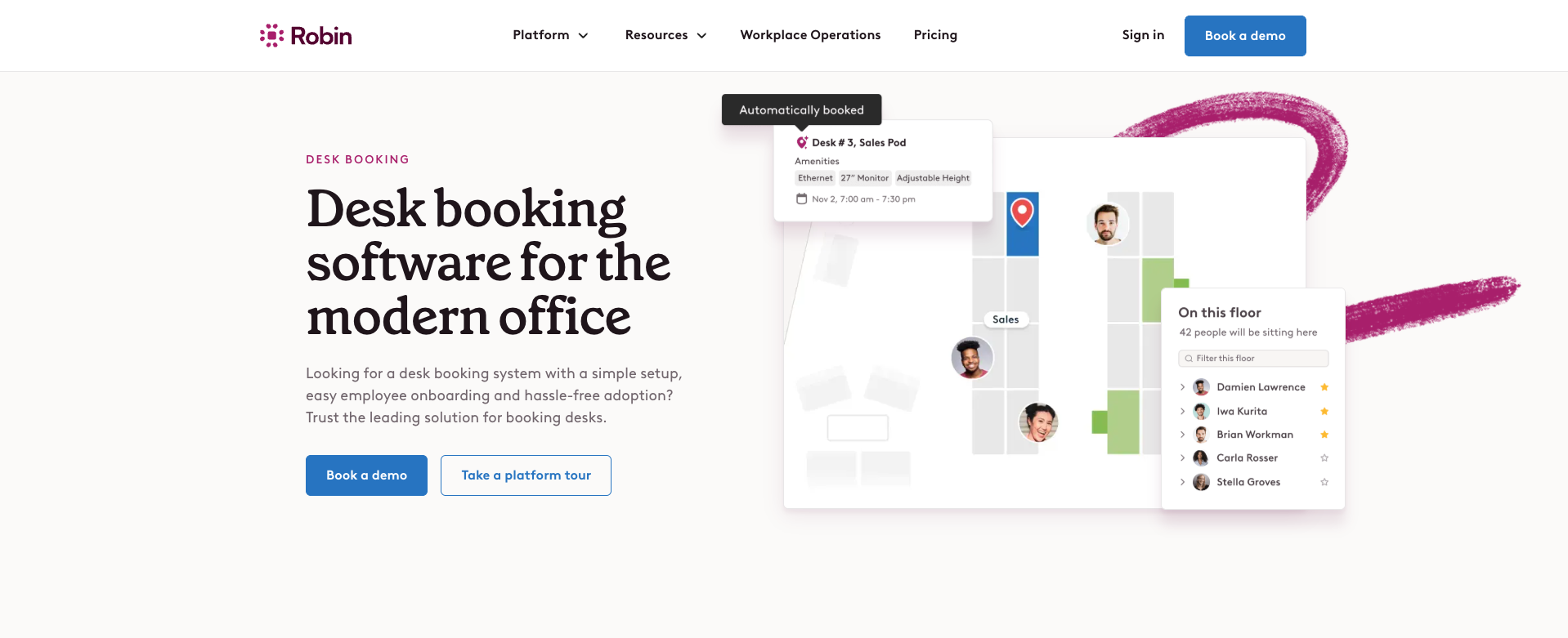
Robin is an AI-enhanced workplace management platform that helps organisations manage desk bookings, meeting rooms, workplace analytics, visitor management and hybrid work policies from a single interface.
Data security and hosting
The platform is developed by a company based in the United States. Customer data is hosted on secure cloud infrastructure, primarily within European and U.S. data centres, depending on the customer’s region, with security measures in place to support GDPR compliance and enterprise-grade data protection.
Features
- AI-powered automatic desk booking — Robin can automatically reserve desks for employees based on their past preferences and schedules.
- Desk & meeting room booking — Employees can find and reserve desks or rooms via visual maps, mobile app or web dashboard.
- Interactive floor plans & wayfinding — Office maps help users locate and book specific workspaces and navigate the office.
- Calendar & collaboration integrations — Connects with Outlook, Google Calendar, Slack and Microsoft Teams for bookings and notifications.
- Workplace analytics & AI insights — Track occupancy, space utilisation and behaviour patterns; data can be paired with HR or BI tools for deeper insight.
- Visitor management & workplace operations — Pre-register guests, self-check-in, and manage deliveries alongside your desk/room scheduling.
- Policy enforcement & hybrid work support — Enables setting hybrid attendance policies, visual rosters and office visit expectations in the same platform.
Best for
- Organisations that want AI-assisted scheduling and automation
- Offices that rely on calendar and collaboration workflows (Outlook, Google, Teams)
Pricing
Robin does not list public pricing; instead, organisations request a custom quote tailored to their size and feature requirements. While this allows tailored packages, it provides less upfront transparency compared with tools that publish flat per-user rates.
Customer feedback
Positive
Users praise Robin for its strong integrations with calendars and collaboration tools, making bookings part of the everyday workflow. Reviewers also appreciate its interactive floor plans and presence visibility. Many organisations value the AI automation features, describing the experience as “saving time compared to booking everything manually.”
Negative
Some users note that Robin can be more complex to configure initially than simpler, dedicated desk booking tools. Others point out that the custom-quote pricing makes comparison harder, and that advanced configurations may require support from IT or admin teams.
|
Pros |
Cons |
|
AI-assisted scheduling and automated booking |
Higher pricing compared to simpler tools |
|
Strong calendar & collaboration integrations |
Admin configuration can feel complex |
|
Workplace analytics and hybrid policy tools |
Advanced features may require admin support |
(Based on user feedback on Capterra, Software Advice, and G2 reviews.)
5. Envoy
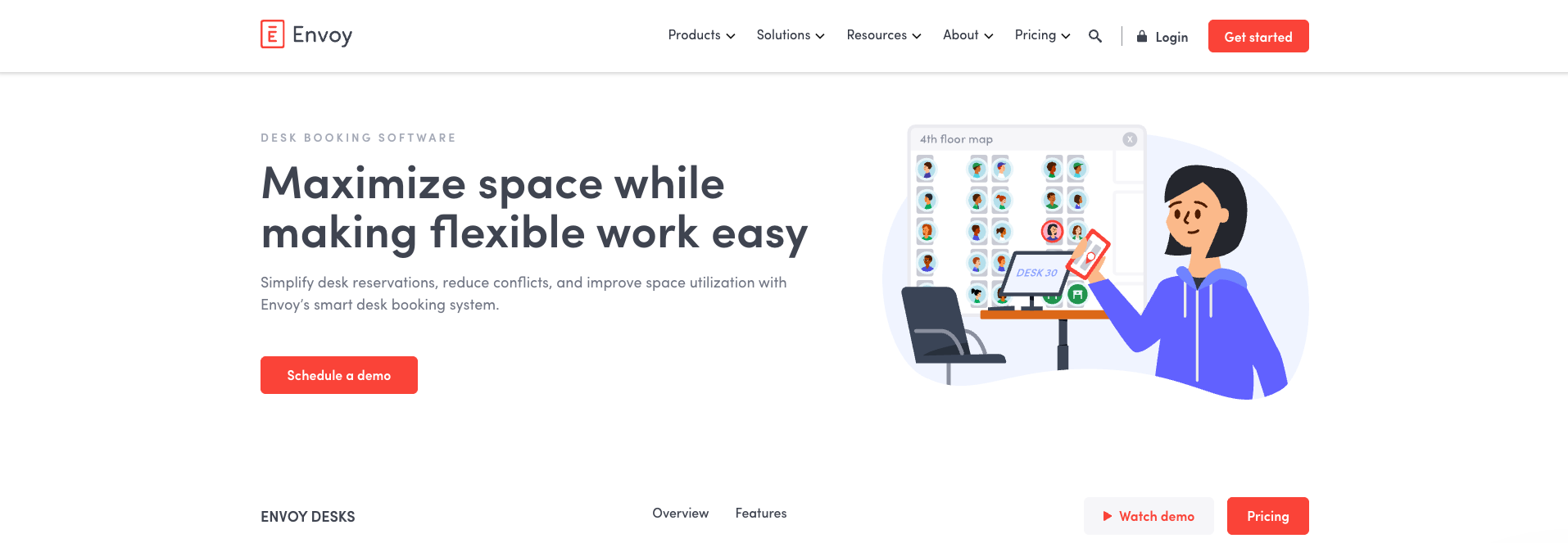
Envoy is a workplace platform best known for visitor management, with desk booking and room scheduling added as part of a broader office operations suite. It’s commonly used by mid-sized and larger organisations that want to manage guests, access flows and workplace presence from one system.
Data security and hosting
Envoy is developed by a company based in the United States and is offered as a cloud-based solution, with customer data hosted on secure cloud infrastructure, primarily within U.S. data centres, while supporting GDPR compliance and enterprise-level security standards.
Features
- Desk booking – Employees can reserve desks in advance to plan office days.
- Meeting room booking – Supports room reservations and availability visibility.
- Visitor management – Pre-registration, check-in, badges and host notifications.
- Interactive floor plans – Visual maps show desk and room availability.
- Check-in & attendance tracking – Helps confirm who is actually in the office.
- Calendar integrations – Syncs with Outlook and Google Calendar.
- Security & access integrations – Connects with building access systems.
Best for
- Offices with frequent visitors or external guests
- Companies combining desk booking and front-desk operations
- Organisations with security or compliance requirements
Pricing
Envoy Workplace pricing starts at $3 per user per month, but this entry tier does not include desk booking. Desk booking is available from the Premium plan, which starts at $5 per user per month.
Customer feedback (pros & cons)
Positive
Users frequently praise Envoy’s visitor management, describing it as “very easy for guests to check in” and appreciating that hosts are “notified immediately when visitors arrive.” Reviewers also mention that the platform is “simple to use” and helps create a professional front-desk experience.
Negative
Some users point out that Envoy’s costs can increase as additional modules are added, especially when desk booking is combined with visitor management and integrations. Others note that while the desk booking functionality is reliable, it is less advanced than tools built specifically for desk booking.
|
Pros |
Cons |
|
Excellent visitor management experience |
Pricing increases quickly with add-ons |
|
Easy guest check-in and host notifications |
Desk booking less advanced than specialist tools |
|
Clean interface and professional front-desk flow |
More complex than desk-only solutions |
(Based on user feedback on Capterra and G2 reviews.)
6. Deskbird
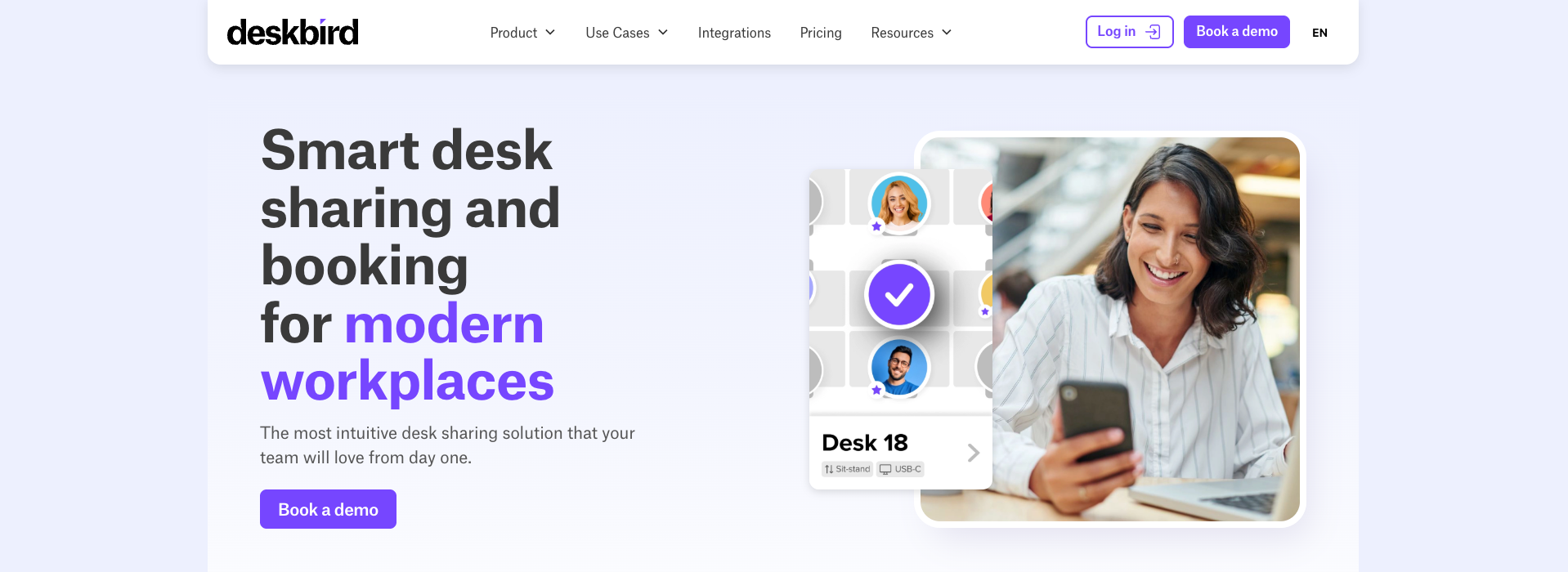
Deskbird is a hybrid workplace management platform focused on desk booking, meeting room scheduling and office presence planning. It positions itself as a modern, employee-friendly solution designed to support flexible work while giving organisations visibility into office usage.
Data security and hosting
Deskbird is developed by a company based in Switzerland and is provided as a cloud-based solution, with customer data hosted in European data centres, ensuring GDPR compliance and strong data protection standards.
Features
- Desk booking – Employees can reserve desks in advance to plan office days.
- Meeting room booking – Manage room availability and avoid double bookings.
- Interactive floor plans – Visual maps show where desks and rooms are located.
- Presence visibility – See who plans to be in the office and when.
- Parking & resource booking – Book additional shared resources.
- Calendar integrations – Works with Outlook and Google Calendar.
- Mobile app – Supports booking and planning on the go.
- Usage analytics – Provides insights into attendance and desk utilisation.
Best for
- Medium to large organisations with hybrid work models
- Teams that want flexible booking across desks, rooms and parking
- Companies looking for a modern, mobile-friendly workplace tool
Pricing
Deskbird offers a tiered pricing model starting with a free Starter plan for small teams (up to 15 users and one office). Paid plans begin at about €3.50 per user per month for the Business tier and roughly €4.25 per user per month for the Professional tier when billed annually, with advanced workplace management features and premium support. Enterprise pricing is available on request for larger organisations.
Customer feedback (pros & cons)
Positive
Users frequently praise Deskbird’s modern interface and ease of use, noting that it’s “intuitive” and easy for employees to adopt. Reviewers also appreciate the mobile app and clear visibility of office attendance, which helps teams coordinate hybrid workdays more effectively.
Negative
Some users mention that pricing can be relatively high, especially for larger teams. Others note that advanced configuration options are limited, and that certain workplace policies or custom workflows cannot be fully tailored.
|
Pros |
Cons |
|
Modern and intuitive interface |
Higher pricing compared to simpler tools |
|
Strong mobile experience |
Limited advanced configuration |
|
Clear visibility of office presence |
Custom workflows can be restrictive |
(Based on user feedback on Capterra and G2 reviews.)
7. YAROOMS
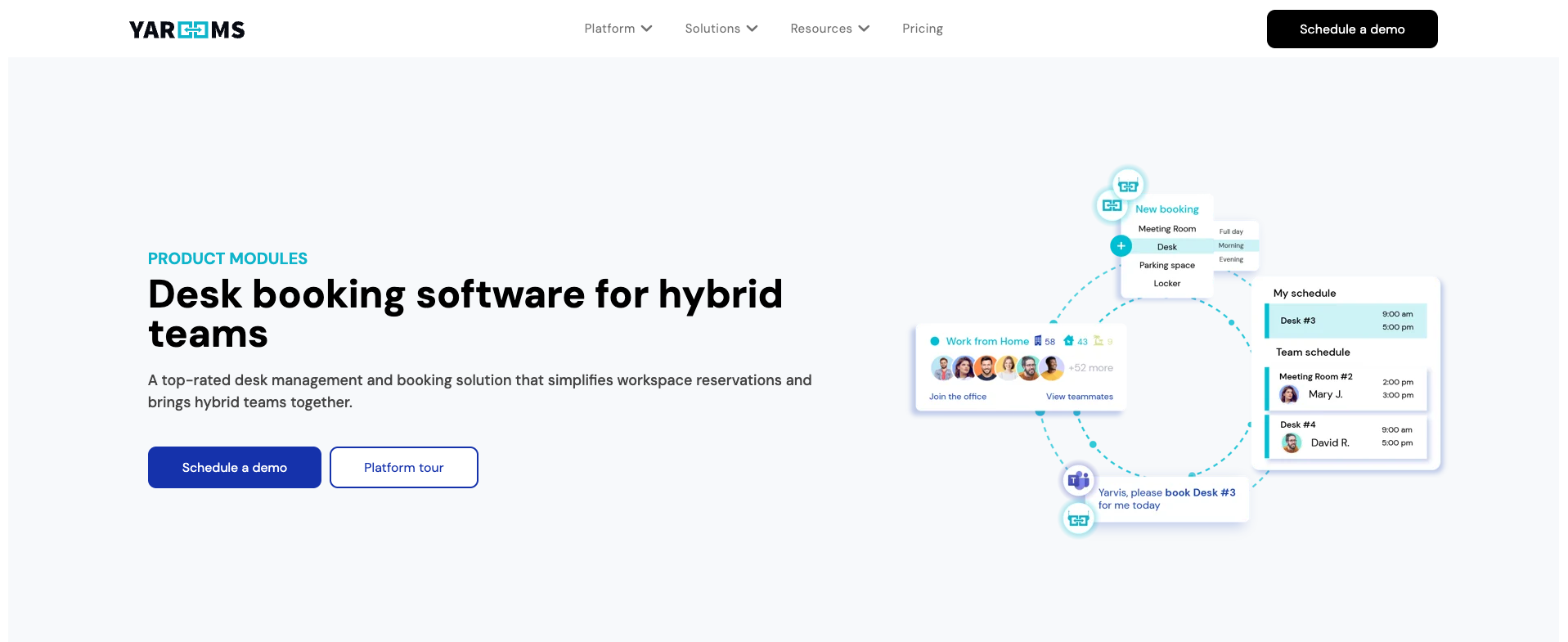
YAROOMS is a workplace management platform focused on desk booking, meeting room scheduling and hybrid work planning. It is positioned as a more enterprise-oriented solution, offering advanced configuration options, analytics and policy controls for larger or multi-location organisations.
Data security and hosting
YAROOMS is developed by a company based in Romania and is delivered as a cloud-based platform, with customer data hosted in European data centres, supporting GDPR compliance and enterprise-grade security standards.
Features
- Desk booking – Reserve desks in advance to plan hybrid office days.
- Meeting room booking – Manage room availability and avoid double bookings.
- AI assistant - Faster and smarter desk booking with AI-powered workplace assistant.
- Interactive floor plans – Visual maps for desks and rooms across locations.
- Digital desk signs - Desks can be equipped with digital signs that show live availability and current bookings.
- Utilisation analytics – Insights into occupancy and space utilisation.
Best for
- Medium to large organisations
- Multi-location offices
- Organisations needing advanced reporting and analytics
Pricing
YAROOMS offers flexible pricing plans based on your desk booking needs. The Starter plan begins at €99/month with core desk and room booking features for one location. More features, locations and analytics are available on the Business plan at €399/month and €899/month per Enterprise.
Customer feedback (pros & cons)
Positive
Users frequently describe YAROOMS as “user-friendly” and easy to use for both desk and workplace management. One reviewer calls it “user-friendly and good interactive workplace map feature,” highlighting how helpful floor plans and check-in functions are for booking desks and spaces. Some G2 reviewers say it is “easy to use for employees and for IT in implementation and maintenance.”
Negative
Several users mention that mobile functionality could improve. One Capterra reviewer notes that the independent iPhone app “is not very functional,” making on-the-go bookings less seamless. Some reviewers also report performance issues or occasional glitches, such as slower responses or desk availability states not always updating correctly after cancellations.
|
Pros |
Cons |
|
User-friendly and easy to navigate |
Mobile app/functionality needs improvement |
|
Clear occupancy overview and timelines |
Some actions require extra clicks |
|
Good for shared desks & hybrid planning |
Occasional glitches or outdated availability status |
(Based on user feedback on Capterra and G2 reviews.)
8. Clearooms
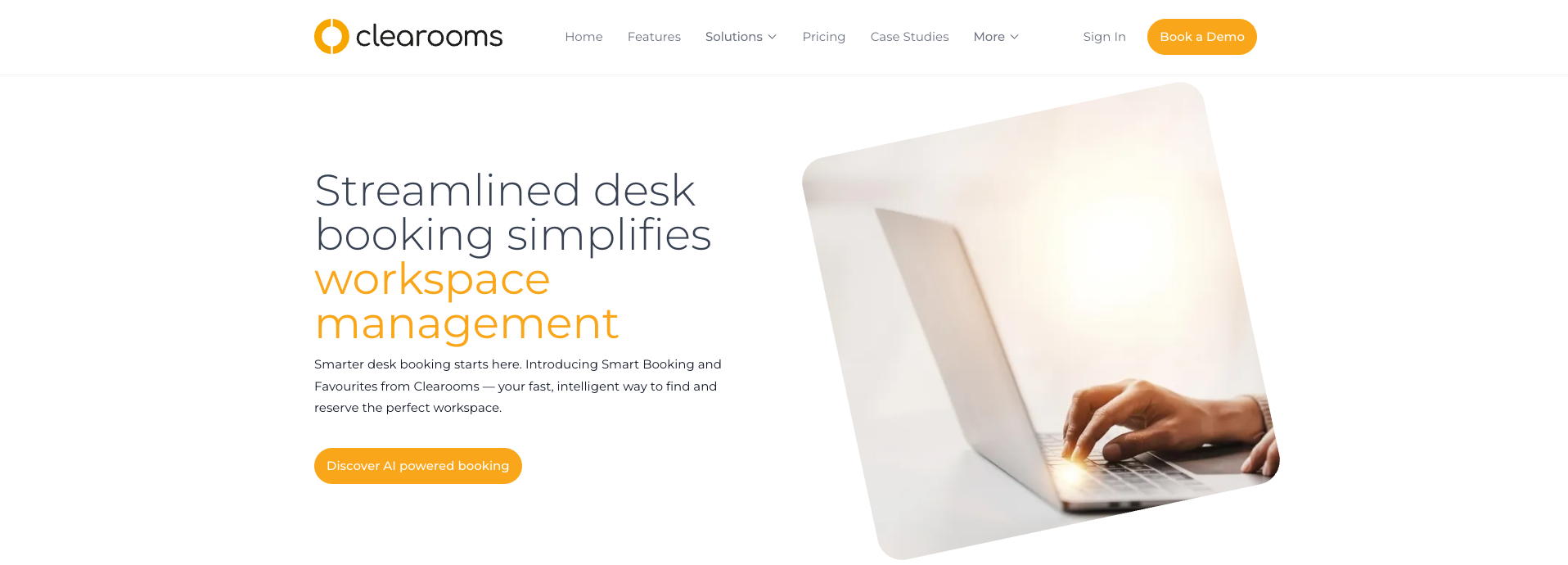
Clearooms is a flexible, cloud-based SaaS platform built to simplify room and desk bookings. Launched to help teams manage hybrid work and optimise office space, Clearooms combines desk and meeting room management with real-time availability and a straightforward booking experience.
Data security and hosting
Clearooms is developed by a company based in the United Kingdom and is delivered as a secure cloud solution, with customer data hosted within UK and European data centres, ensuring GDPR compliance and strong data protection standards.
Features
- Desk & Meeting Room Booking – Reserve desks and meeting rooms with ease through the Clearooms dashboard.
- Visual Floor Plans – Interactive office maps show available and occupied spaces at a glance.
- Real-Time Availability – Live updates mean users always see current desk and room status.
- Calendar Sync – Integrates with Microsoft Outlook and Google Calendar for seamless scheduling.
- Check-In & No-Show Handling – Users confirm presence, and unclaimed bookings can be released automatically.
- Recurring Reservations – Support for repeating desk or room bookings with simple rules.
Best for
- Small to mid-sized teams that want a straightforward desk and room booking tool
- Offices where both desks and meeting rooms need to be managed together
- Companies looking for a solution with calendar sync and real-time availability
Pricing
Plans start at around £60 per month for up to 19 desks and £10 per room per month for meeting room booking, with no long-term contracts, setup fees or cancellation charges. All plans include real-time availability, interactive floor plans, calendar syncing, and mobile access, and you can adjust your resources month-to-month as needed.
Customer feedback (pros & cons)
Positive
Users frequently mention that Clearooms is easy to use and quick to adopt, describing the booking process as straightforward and intuitive. Reviewers appreciate the clear visual overview of desk and room availability, which helps teams avoid double bookings and confusion.
Negative
Some users report that performance can be slow at times, particularly when switching between areas. Others note that customisation and advanced integrations are limited, making the platform less suitable for more complex hybrid setups.
|
Pros |
Cons |
|
Easy to use and quick to adopt |
Performance can be slow at times |
|
Clear overview of available desks and rooms |
Limited advanced features |
|
Simple setup with minimal configuration |
Fewer integration options |
(Based on verified user reviews on Capterra.)
9. GoBright
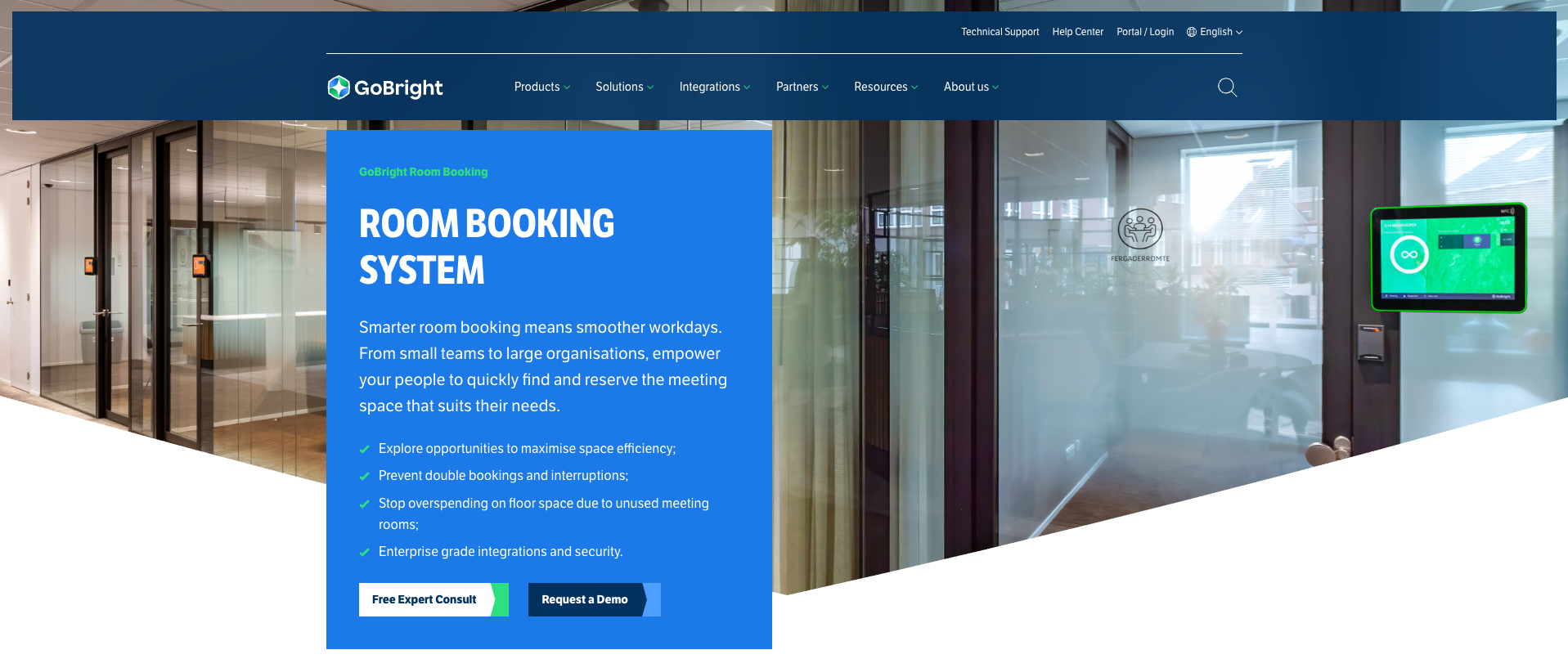
GoBright is a comprehensive smart workplace platform that brings together desk booking, room scheduling and visitor management — all designed to support modern hybrid work. The platform emphasises ease of booking, real-time availability and integration with existing enterprise tools to create a flexible, data-driven workplace experience.
Data security and hosting
GoBright is developed by a company based in the Netherlands and is offered as a cloud-based solution, with customer data hosted in European data centres, supporting GDPR compliance and high standards of data security.
Features
- Desk booking – Employees can reserve desks in advance from the app, portal or hardware with real-time availability.
- Meeting room booking – Quickly find and book available rooms with calendar sync.
- Interactive maps & wayfinding – Visual maps help users locate desks, rooms and colleagues.
- Visitor management – Pre-register visitors and manage check-ins alongside workspace bookings.
- Hybrid work support & analytics – Occupancy insights help teams understand use patterns and optimise space.
- Microsoft Teams, Outlook & Google integration – Sync bookings directly with enterprise calendars.
- Mobile app – Employees can book on the go and manage reservations from their phones.
Best for
- Organisations that want a unified smart workplace platform (desks, meeting rooms, visitors)
- Teams heavily invested in Microsoft/Google ecosystems
- Offices aiming to combine workspace booking and advanced analytics
- Facilities teams that want enterprise-grade integrations and hybrid insights
Pricing
GoBright does not publish fixed public pricing; organisations must contact GoBright for a tailored quote based on the number of resources and modules needed (desk booking, room booking, visitor management, signage, etc.).
Customer feedback (pros & cons)
Positive
Many reviewers and product analyses note that GoBright excels as a comprehensive all-in-one workplace platform, combining desk booking, room scheduling, visitor management, digital signage and parking into a single environment. Experts also highlight its strong integrations with Microsoft Teams, Outlook and Google Workspace
Negative
On the flip side, some expert reviews point out that GoBright lacks the volume of user ratings on major review platforms. Additionally, industry overviews mention that GoBright’s pricing structure and module bundling can feel complex or less transparent.
|
Pros |
Cons |
|
Unified platform for desks, rooms, visitors |
Pricing requires custom quote (less transparency) |
|
Strong calendar and enterprise integrations |
Less focus on specialised desk-only workflows |
|
Real-time availability and analytics |
Limited independent user reviews publicly available |
(Based on App Store, SourceForge, and Google reviews)
10. Flexopus
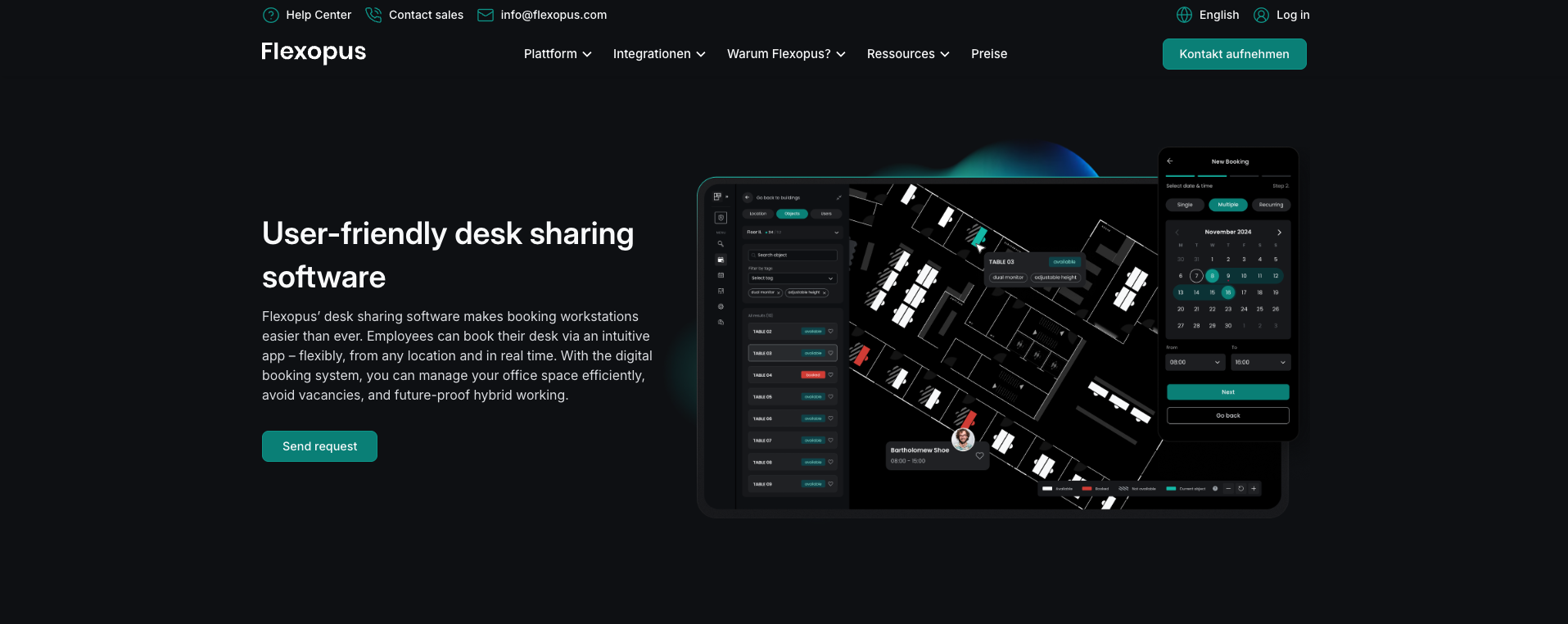
Flexopus is a workplace management and desk sharing solution designed to support hybrid work and flexible offices. The platform focuses on visual booking, real-time availability and strong data privacy standards, helping organisations manage shared desks, rooms and resources efficiently.
Data security and hosting
Flexopus is developed by a company based in Germany and is provided as a cloud-based solution, with customer data hosted in European (primarily German) data centres, ensuring GDPR compliance and high standards of data protection.
Features
- Desk booking – Employees can reserve desks in advance via web or mobile.
- Interactive floor plans – Visual office maps show real-time availability.
- Meeting room & parking booking – Manage multiple shared resources in one system.
- Check-in & no-show handling – QR code check-in releases unused bookings automatically.
- Presence visibility – See who plans to be in the office and when.
- Calendar integrations – Syncs with Outlook and Google Calendar.
- Microsoft Teams integration – Book and view availability directly in Teams.
- Access control & booking rules – Define who can book which areas or resources.
Best for
- Organisations with hybrid or flexible work models
- Teams that value visual desk booking via floor plans
- Companies requiring strong GDPR and data-privacy compliance
- Medium to large offices with multiple resources to manage
Pricing
Flexopus uses a flexible pricing model designed around the resources being managed (desks, meeting rooms, parking and other shared assets). Rather than a rigid per-seat flat rate, pricing is tailored based on the size of your organisation, the number of workspaces and features you need, and whether you want integrations like calendar sync and Microsoft Teams support. Detailed pricing is available on request via a custom quote.
Customer feedback (pros & cons)
Positive
Users frequently highlight Flexopus’s intuitive interface and ease of use, describing the platform as “easy and self-explanatory.” Reviewers appreciate the interactive floor plans, smooth booking experience and strong integrations with Microsoft and Google environments. Support responsiveness is also mentioned positively.
Negative
Some users mention that admin views could be more consistent with the user interface, and a few note that mobile admin functionality has room for improvement. Others would like expanded overview options for long-term booking visibility.
|
Pros |
Cons |
|
Easy and intuitive to use |
Admin interface could be more consistent |
|
Visual floor plans with real-time availability |
Limited admin features on mobile |
|
Strong Microsoft & Google integrations |
Requests for broader booking overviews |
|
GDPR-focused data hosting |
(Based on G2 user feedback.)