



.png)


.png)




Interactive office floor plan
Bring your Office Layout to Life Online
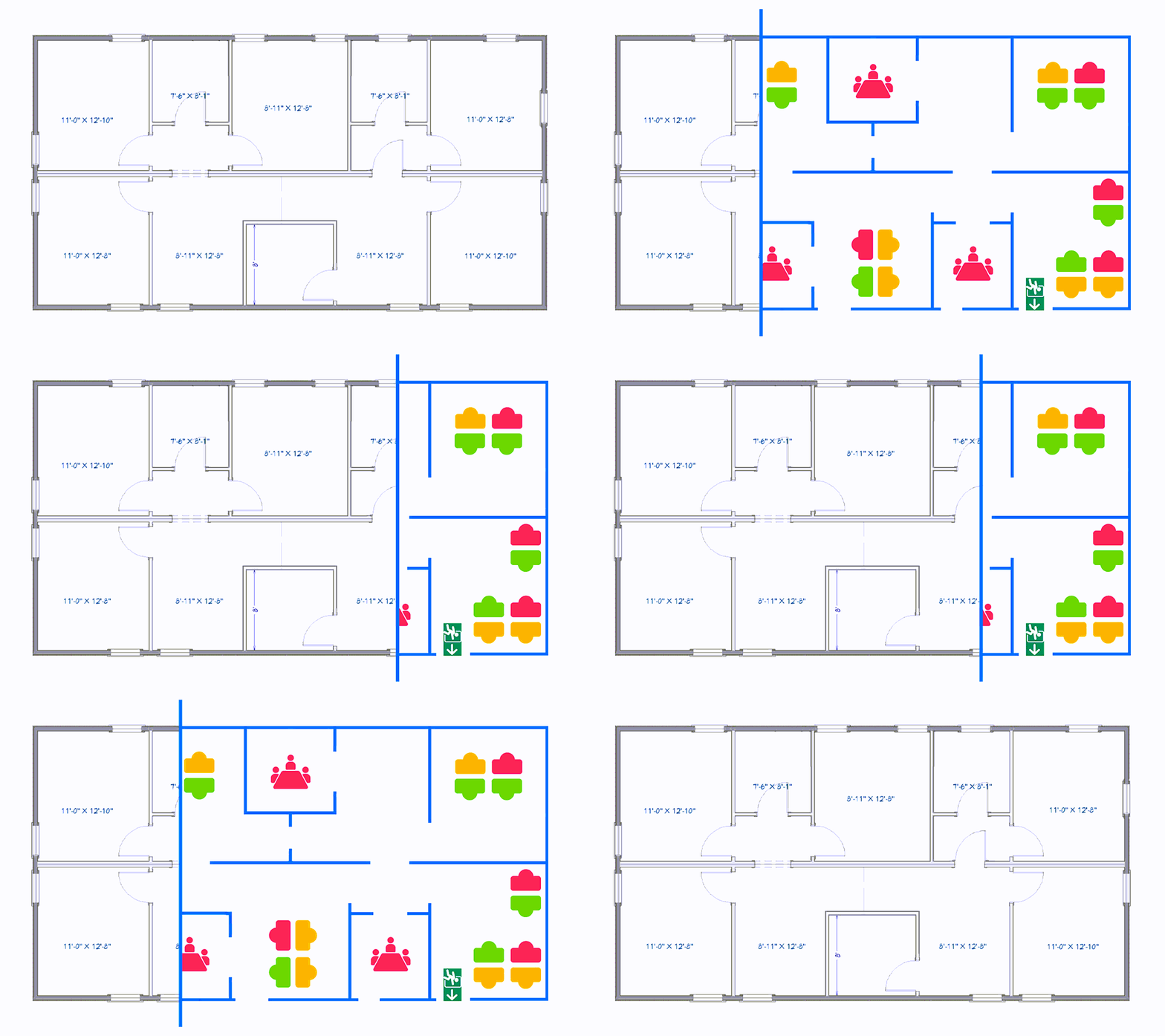
Give your team a real-time, interactive office map to instantly see available desks, rooms, and colleagues. In a hybrid world, a clear map is key to effortless workday planning and the optimal usage of your office space. Flexwhere transforms your static office drawing into a living digital twin for effortless workday planning.
.png?width=1314&height=992&name=Flexwhere%20Website%20Hero%20Images%20-%20correct%20size(2).png)


How it works
One upload. Total visibility.
Simply upload your floor plan, and Flexwhere transforms it into a dynamic, interactive map.
- Real-time Reality & On-the-Fly Booking: Every desk and room shows its live status—available, occupied, or booked—allowing you to see a spot you like and book it instantly via the app or web.
- Find My Colleagues: No more "Where's Waldo?" Search for a teammate and see exactly where they’re sitting (or if they’re working remotely).
- The Control Centre: Admin life made easy. Add, move, or remove desks, parking spots, and other resources in clicks, not hours. No IT degree required.
.png?width=512&height=512&name=save-time%20(1).png)
Stop the "Desk Wander"
Employees find and book a workspace in seconds, not minutes.

The Ultimate Onboarding Tool
Give new hires a digital "GPS" for the office. They’ll know exactly where the coffee, their desk, and their manager are from day one.

Collaboration by Design
Use the map to coordinate "team zones" so people who need to work together actually sit together.
Data-Driven Decisions
Stop guessing. Use real occupancy heatmaps to see which corners of the office are hits and which are misses.
.png?width=512&height=512&name=flexibility%20(2).png)
Future-Proof Flexibility
Rearranging the furniture? Update your digital floor plan in minutes to reflect the new reality.
Hybrid Teams:
To coordinate office days and ensure they sit near the right people.
Office Managers:
To spot usage patterns and optimise the layout based on actual data.
New Starters:
To navigate the workplace with confidence and feel at home immediately.
Simple to use. Impossible to breach.
Maximum Peace of Mind
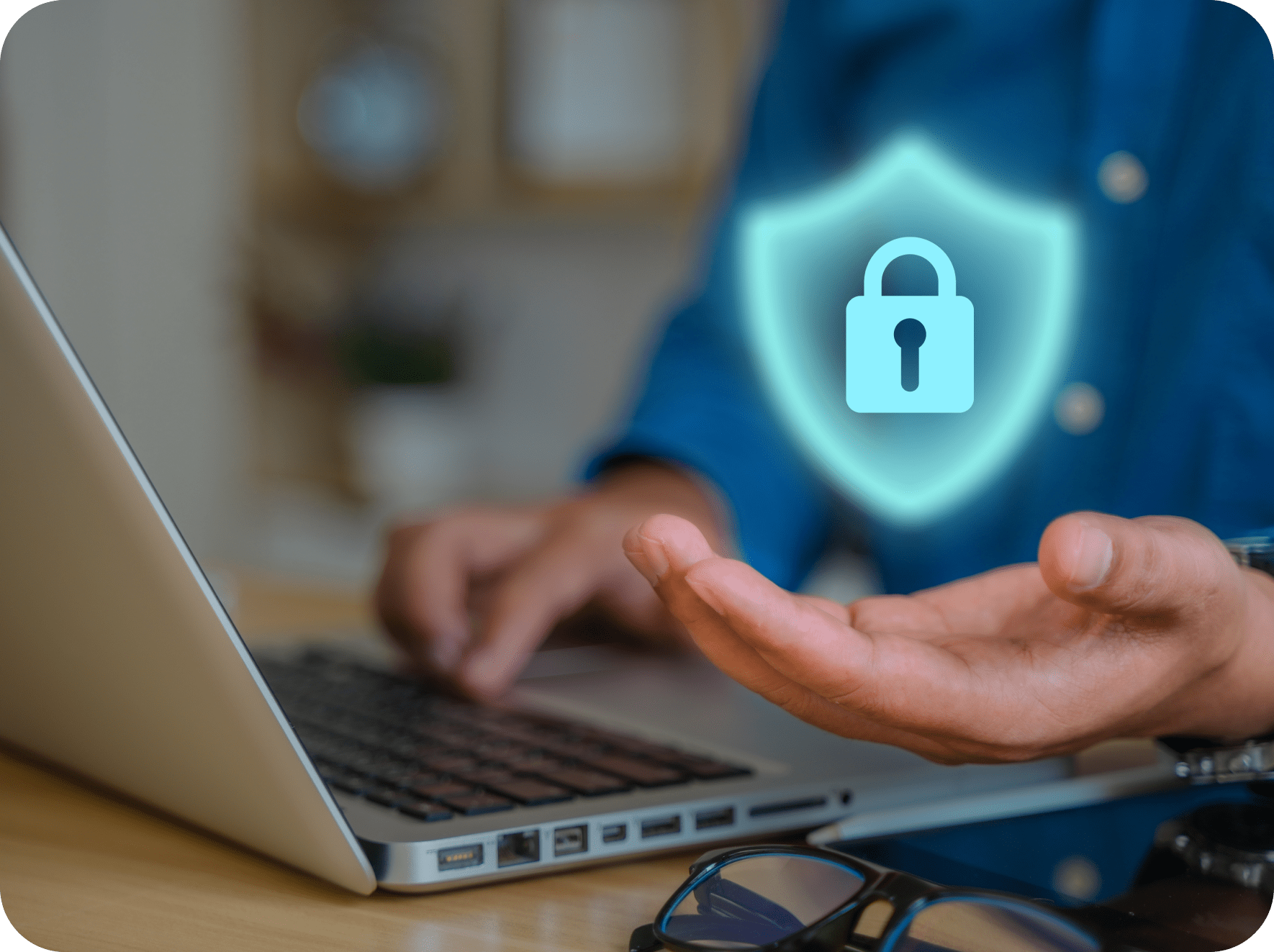
Flexwhere is designed to be "pick-up-and-play" simple—no manual or training sessions required. Behind the scenes, we take security seriously. With our ISO certification, your office data and employee privacy are locked down tight.
Ready to make your office work smarter?
Discover how an interactive floor plan can transform your hybrid office.
Bring structure, clarity, and total flexibility to your workplace.