


Role management

The right access for the right people

Not everyone needs the same access—and that’s the point. Flexwhere makes it easy to assign roles that match each user’s needs. From everyday users to admins, everyone sees what’s relevant, nothing more, nothing less. It keeps things simple, secure, and flexible.

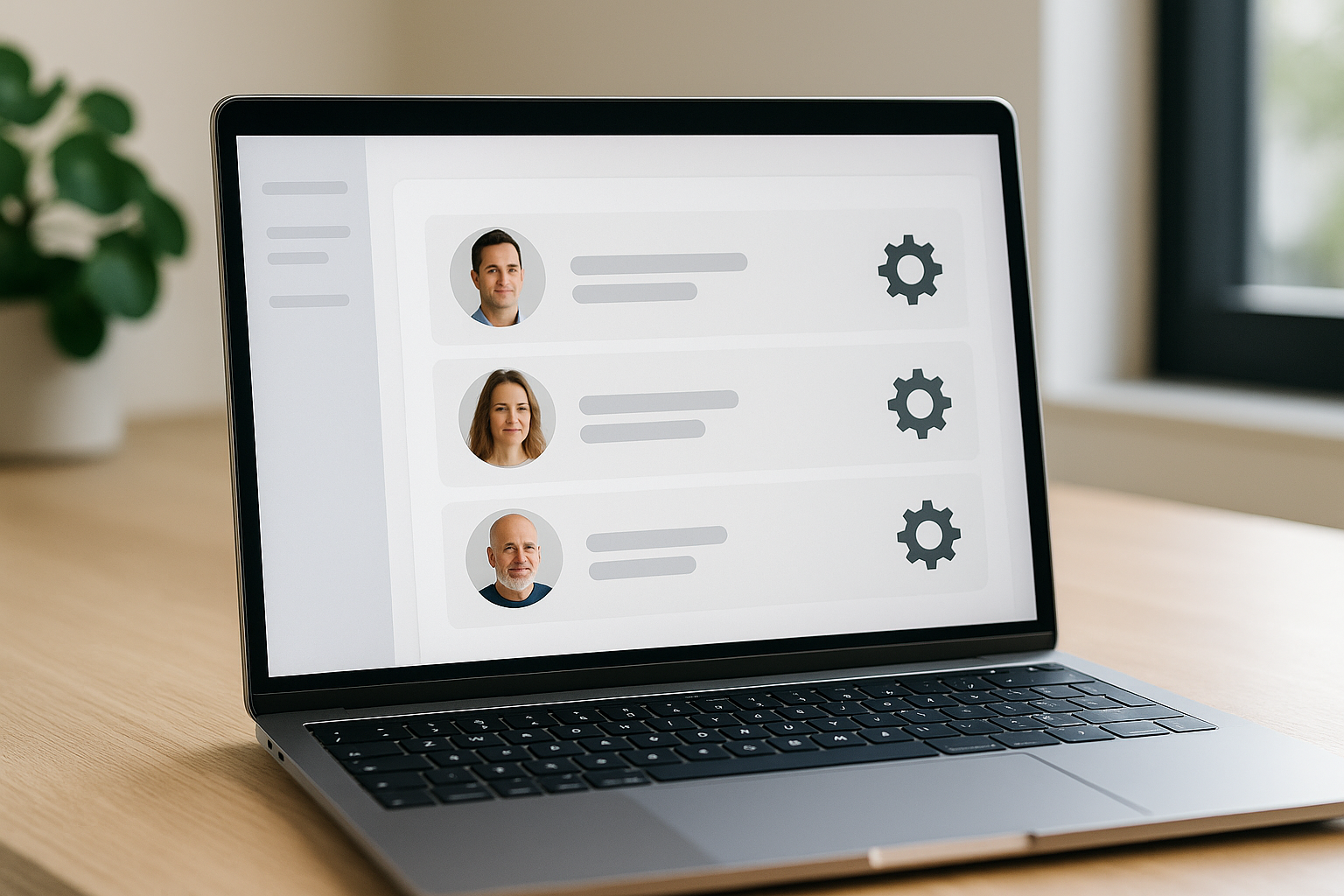
ChatGPT_Image_May_15__2025__02_40_02_PM

What is a role in Flexwhere?

A role in Flexwhere defines what a user can see and do. This clear structure ensures:

 Clarity – Users only access the tools they need.

 Security – Sensitive data stays protected.

 Efficiency – Responsibilities are clearly defined, helping workflows run smoothly. 


Admin

The Admin role grants full access to the Flexwhere Control Centre, including managing settings, assigning user roles, and configuring system-wide options.                        

Manager

Managers have read-only access to the Control Centre, allowing them to view occupancy stats, monitor usage trends, and support strategic decisions without changing settings.

Desk planner

Desk Planners book desks for colleagues or guests—ideal for team coordinators or office managers managing workspace bookings.                 


Employee

Employees are the default users in Flexwhere. They can quickly book their own desks and instantly find their colleagues—making collaboration easy and office days more productive.

What can each role do?


Access comptab-infoalt7-icon
Employee
Desk planner
Manager
Admin
View availability on floor plan
comptab-yes-icon
comptab-yes-icon
comptab-yes-icon
comptab-yes-icon
Book desks, parking spots and ad-hoc meeting rooms
comptab-yes-icon
comptab-yes-icon
comptab-yes-icon
comptab-yes-icon
Find colleagues
comptab-yes-icon
comptab-yes-icon
comptab-yes-icon
comptab-yes-icon
Create and delete group bookings
comptab-no-icon
comptab-yes-icon
comptab-yes-icon
comptab-yes-icon
View Dashboard (statistics)
comptab-no-icon
comptab-no-icon
comptab-yes-icon
comptab-yes-icon
Monitoring desk occupation trends
comptab-no-icon
comptab-no-icon
comptab-yes-icon
comptab-yes-icon
Create and delete bookings for others
comptab-no-icon
comptab-no-icon
comptab-yes-icon
comptab-yes-icon
Full access to the Flexwhere Control Centre
comptab-no-icon
comptab-no-icon
comptab-no-icon
comptab-yes-icon
Manage settings (e.g. bookings rules and device set up)
comptab-no-icon
comptab-no-icon
comptab-no-icon
comptab-yes-icon
Assign roles and add new users
comptab-no-icon
comptab-no-icon
comptab-no-icon
comptab-yes-icon
Overseeing system-wide configurations
comptab-no-icon
comptab-no-icon
comptab-no-icon
comptab-yes-icon
Edit floor plan
comptab-no-icon
comptab-no-icon
comptab-no-icon
comptab-yes-icon


Why assigning roles matter

Flexwhere roles help your organisation work smarter:

  • Boost productivity – Users focus on what matters, without unnecessary distractions.

  • Simplify management – Assign roles instead of setting permissions one by one.

  • Reduce risk – Prevent accidental changes to key settings.

  • Strengthen security – Limit access to sensitive areas.


Streamline your organisation with Flexwhere

Want to see how Flexwhere’s can streamline your organisation? Contact us or try for free!

Start with Flexwhere today

  • 14 days free

  • No payment details needed

  • Try with colleagues

  • Access to all features

  • Customised to your office

Start with Flexwhere today

Your security is our priority

You can be sure that your information is safe, secure, and will not be shared with third parties. Click here for more info.

ISO-9001 ISO-27001
Security

Check out other core features

Aside from our desk booking software, we offer awesome meeting room booking and office analytical features! Check it out below