



.png)


.png)




Flexwhere Free Trial | Business Plan
Your First 30 Days: What to Expect
Start your 30-day free trial of Flexwhere Business and explore what our most powerful plan has to offer. From smart floor plans and desk booking to real-time heatmaps and office analytics, you can explore every feature without limitations. Discover how Flexwhere helps you bring your office strategy to life.




Phase 1: The Essentials
(Days 1–3)

Log in to your admin dashboard to manage your settings and layout.
Upload your office layout and use the drag-and-drop tool to place desks and meeting rooms.
Use labels and tags (like "sit/stand" or "double monitor") so your team can find the exact equipment they need.
Add 2–3 colleagues to help test the platform.
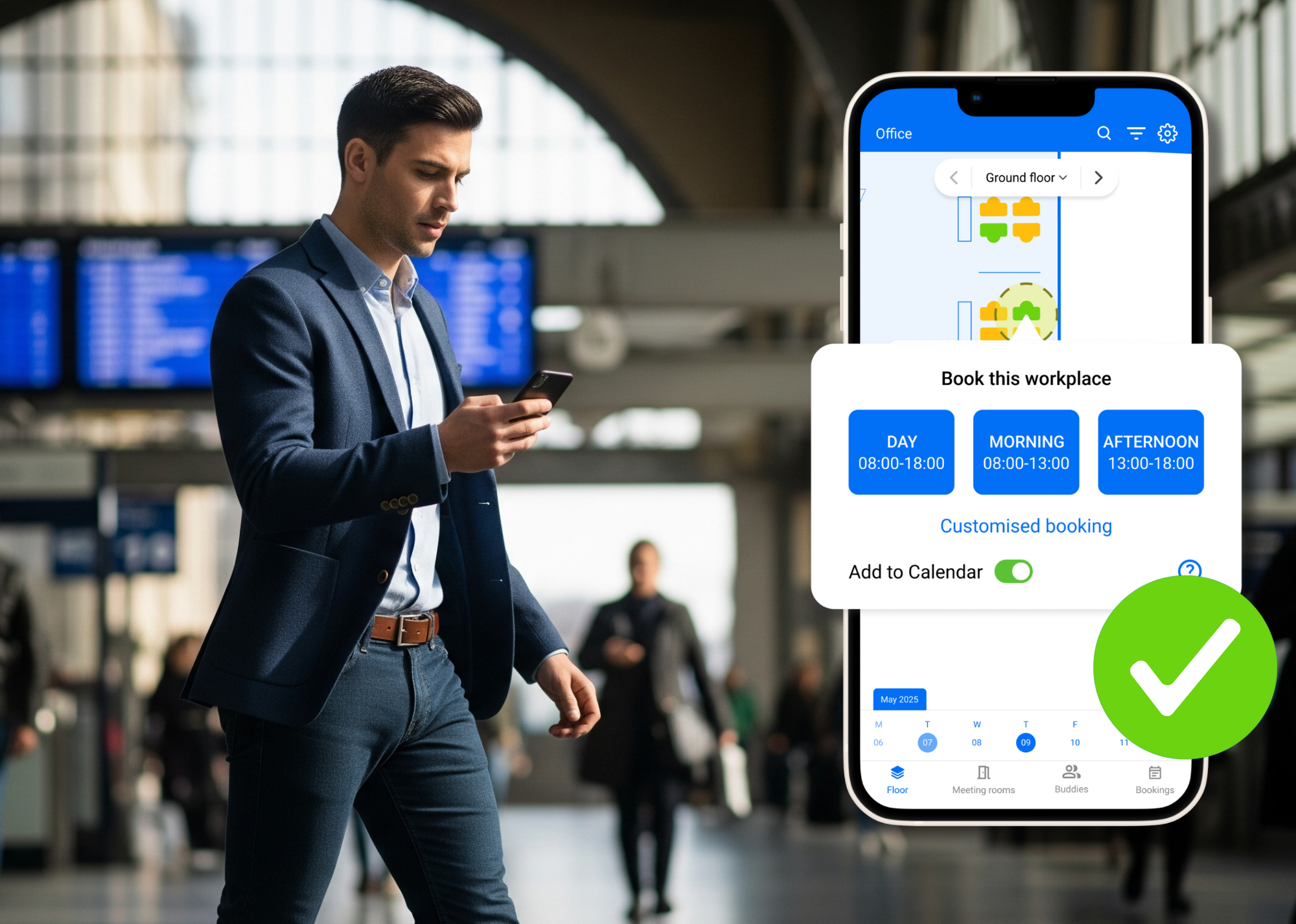
Download the Flexwhere mobile app from the Google Play or Apple Store to book on the go.
Phase 2: Team Activation
(Days 5–10)
Add more colleagues via the Control Centre.
Use the Buddy List to star your close collaborators so you can see when they are in the office.
Ask your invited colleagues to book a spot and hit "Occupy" in the app. This ensures the system captures real-time occupation data for your reports.
Once your team has made a few bookings, visit the Control Centre to see your first Usage Statistics and occupancy visualisations.
Phase 3: Optimising the Experience
(Days 13–25)
Sync your meeting rooms with Outlook or Google Calendar to prevent double-bookings.
Explore managing extra resources like parking spots or pool cars.
Compare the Standard and Business tiers to decide which features your organisation needs long-term.
Resource Management
Test out booking for more than just desks—manage parking spots and pool cars..png?width=512&height=512&name=booking(1).png)
Calendar Integration
Connect your meeting rooms with Outlook or Google Calendar to prevent double-bookings..png?width=512&height=512&name=analytics(1).png)
Advanced Analytics
Use annual statistics and heatmaps to visualise occupancy and optimise your space..png?width=512&height=512&name=colleagues(2).png)
Colleague Coordination
Invite your team to join so you can use the Buddy List to find and sit near each other.
What happens on Day 31?
We believe in a "Soft Landing". If you choose not to upgrade at the end of your trial, here is what happens:
- Automatic Transition: Your account will automatically move to the Flexwhere Basic plan.
- Free Forever: You keep the essentials—simple desk booking and colleague-finding—at no cost.
- Data Safety: We won’t delete your floor plans or settings. Advanced features (like custom roles or parking and pool car bookings) will simply be unavailable until you decide to upgrade.


offices that use Flexwhere
users worldwide
desks & meeting rooms booked
Flexwhere works well. I especially like the "Find your colleagues" feature.

Jan
Volkerrail
Fast, easy and accessible app that lets me book a desk.

Patricia
Flexwhere User
Flexwhere helps me quickly find colleagues, especially when I work abroad. Super satisfied!

Flexwhere User
Zaanstad
Build a Workplace Strategy as Dynamic as Your Business
Don't let your tools limit your growth. Let our experts show you how Flexwhere Business can deliver the strategic data and seamless integration. With this level of control, you can easily optimise your workplace for present and future needs.