How hot desk booking works
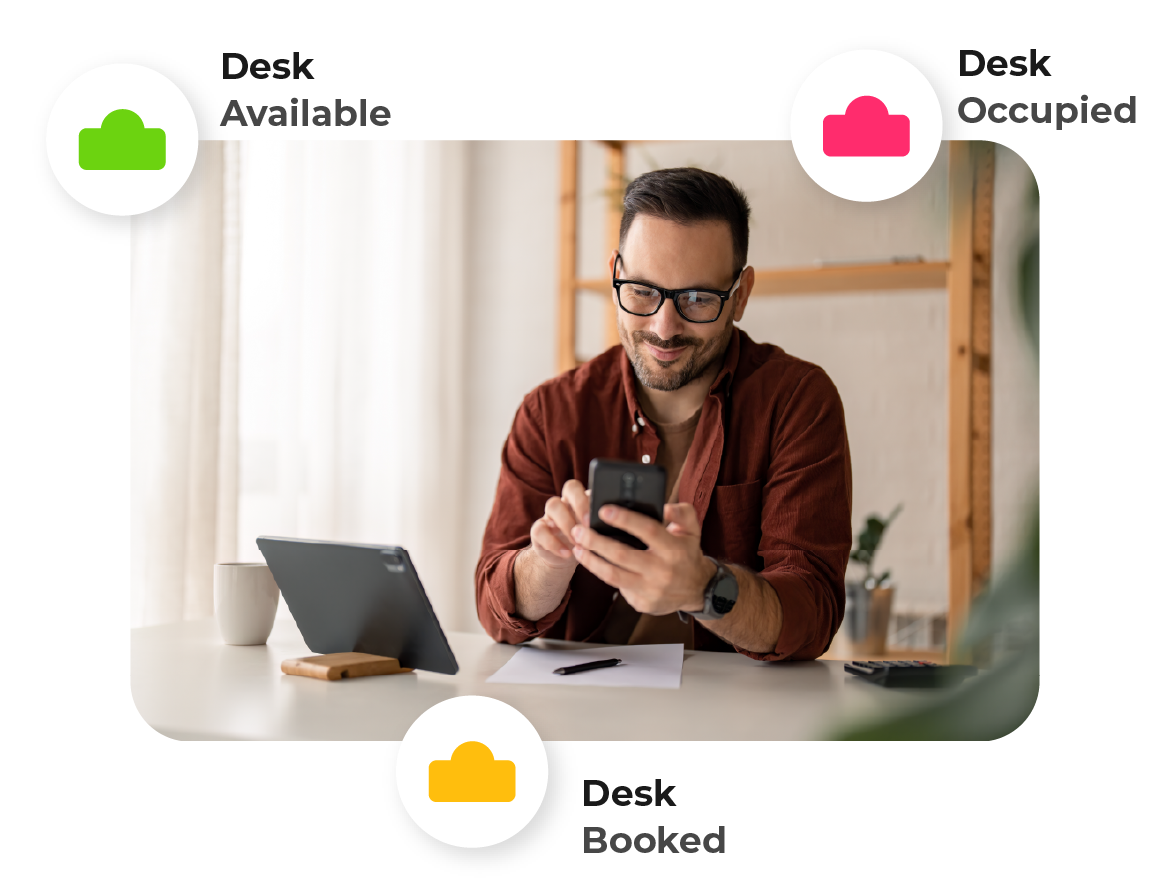
Hot desk booking works the same way for everyone, whether they are planning a week ahead or arriving unannounced. They open the hot desking app on a phone, laptop or the web, choose a date and location, and see an interactive floor plan of that floor as it stands right now. Desks already taken are marked; free desks are not. They pick one, confirm the time — morning, afternoon, all day or a custom slot — and the booking is done.
The same flow covers meeting rooms, parking spaces and pool cars, so nobody is learning several systems to organise one day in the office. Bookings can repeat for people who come in on fixed days, be made on behalf of a colleague, or be made as a group when a whole team is coming in together.
What makes this work in practice is that the floor plan is a real plan of your building, not a generic grid. Read more on how hot desk booking works.
What to look for in a hot desk booking system
Most desk booking tools can reserve a desk. The differences that matter show up after the first month:
- Does the floor plan match the building? People book confidently when they recognise the layout, the zones and the desk numbers.
- What happens to no-shows? A desk booked and never used is the same as a desk left empty. Automatic release turns an unused reservation back into availability.
- Does check-in need hardware? Sensors and badge readers add cost and installation. Automatic check-in can also work from a docking station, a connected monitor or the office IP address.
- Can people find each other? Half the reason to come in is who else is there. A colleague finder answers that before anyone travels.
- What do the analytics actually tell you? Occupancy over time, per floor and per zone, is what supports a decision about space.
- Where does the data live? For European organisations this is increasingly the first question, not the last.
A hot desk booking system that handles these well tends to be the one people are still using in month six.
Setting up and administering hot desking
An administrator uploads a floor plan per location and floor, then places desks, meeting rooms and other bookable resources on it. Zones group desks that belong together — a team area, a quiet section, a project space — and can carry their own rules. Roles decide who can do what: most employees only book, facility and office managers manage resources, and desk planners look after a specific area.
Users can be added manually or provisioned from your directory, and sign-in runs through single sign-on with Microsoft or Google, so there is no extra password to manage. Bookings can be limited by how far ahead people may reserve, which stops a small pool of desks being claimed weeks in advance.
There is no hardware to install before the first booking can be made.
The hot desking app: phones, desktops and the web
Flexwhere runs on the web, as a mobile app for iOS and Android, and as a desktop application for Windows and macOS. The desktop app quietly does the work: it can register that you have arrived when you connect to a docking station or monitor, or when your device joins the office network, so a booking is confirmed without anyone opening anything.
Bookings also flow into the calendar people already live in. Outlook and Google Calendar integration puts a desk or room reservation alongside the meetings it belongs to, and Microsoft Teams integration keeps the booking where the conversation is happening. For service organisations, TOPdesk integration connects workplace bookings to facility processes.
Data security and European hosting
Flexwhere is developed by Dutchview Information Technology BV in the Netherlands and delivered as a cloud service. It runs on European-owned infrastructure, with data hosted and stored inside the European Union and governed under EU law. For organisations in the public sector, healthcare and education — where who can access workplace data is a procurement requirement rather than a preference — this is often the deciding factor. More on data security and privacy.
Hot desk booking software FAQ
How much does hot desk booking software cost?
The Basic plan is free with no time limit for teams of up to 25 users, and covers desk and meeting room booking with an interactive floor plan. Standard is €1.99 per user per month and adds multiple locations and floors, automatic release of no-shows and a month of analytics. Business is €3.68 per user per month and adds parking and pool car booking, API access and a year of analytics. Meeting rooms can be licensed separately at €15 per room per month. See full pricing.
Do we need sensors or other hardware?
No. Automatic check-in works from a docking station, a connected monitor or the office IP address. Occupancy sensors are supported if you already have them or want additional accuracy, but nothing needs installing before you can start booking desks.
Can people book a desk for someone else?
Yes. Bookings can be made on behalf of a colleague, as a recurring reservation, or as a group booking when a team is coming in on the same day. Guests can be given a desk without an account.
How is a desk booking app different from a spreadsheet?
A spreadsheet records intentions. A hot desk booking system shows live availability, releases desks nobody turns up for, and produces occupancy data you can act on.





.png)


.png)




.png?width=512&height=512&name=resolution%20(1).png)
.png?width=512&height=512&name=calendar%20(2).png)
.png?width=512&height=512&name=data%20(1).png)
.png?width=512&height=512&name=mobile-phone%20(1).png)